
The yard and games
The yard changes with the time of day, the weather and the season, and it grows over the days. Friends find seeds for the garden and bring gifts, you fish and catch bugs for the album, friends grow closer to you, seasonal events come and go, the yard has its own sounds, and you can play three games with your friends.
The scenery fills the window. Place & atmosphere stays beside Menu at the bottom right. Choose the scene directly, or open Menu for Friend, Invite, Settings, display and sound switches, and play tools. Choosing an action closes the controls. Task panels and the menu take turns rather than overlap. Automatic time still follows your computer without a visible clock.
Time of day and weather since 0.1.0
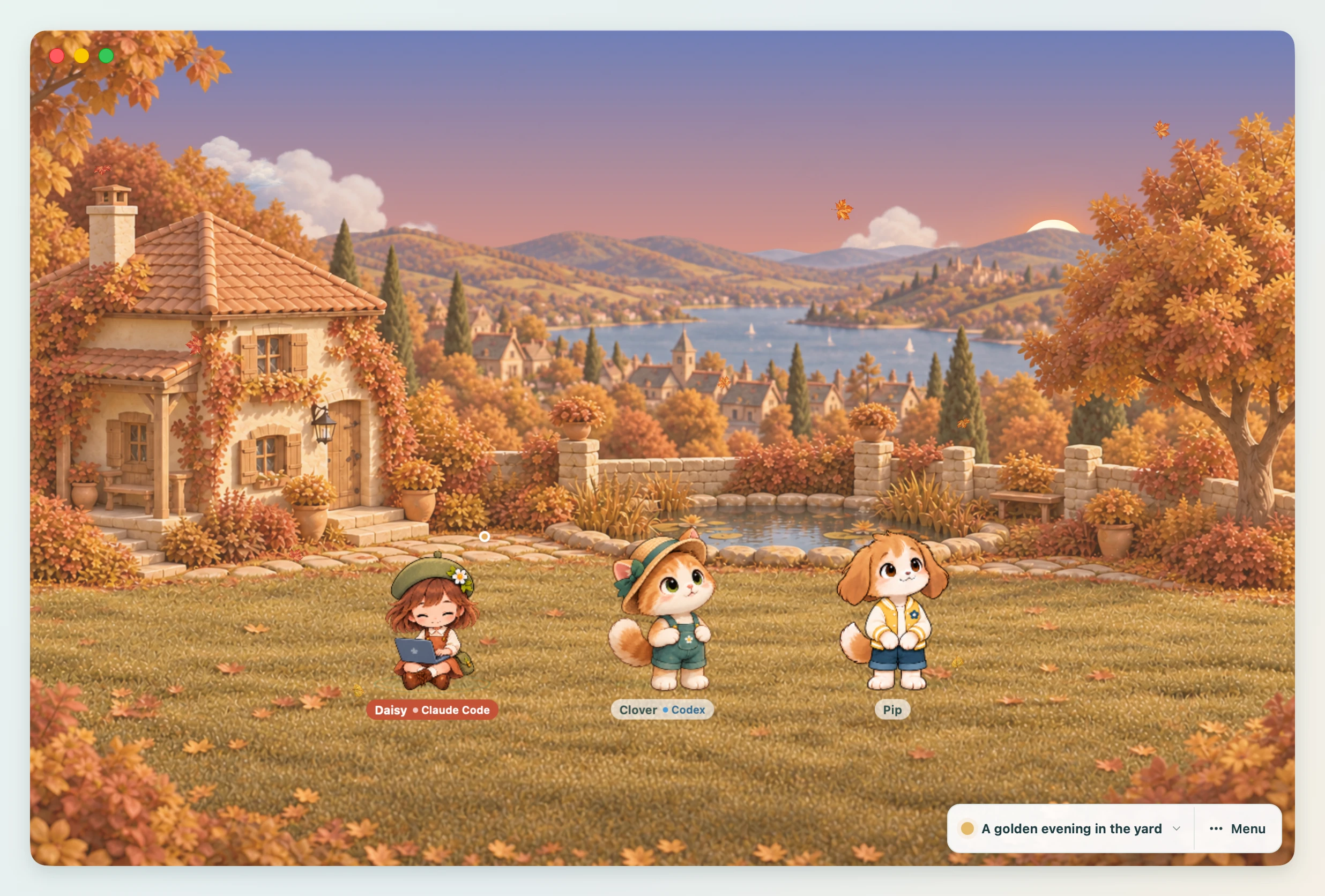
Open Place & atmosphere at the bottom right to choose a background by its thumbnail. Built-in and imported backgrounds share one gallery. Choose season, time and weather below the cards; changes apply immediately. Season is also available in Menu → Settings → The yard. Import a background or open the Background Studio below the controls. Remove appears only when an imported background is selected.
| Choice | Options |
|---|---|
| Place | Hill garden, Stone courtyard, Lakeside cottage, Cozy living room |
| Time of day | Auto time, Morning, Midday, Evening, Night |
| Weather | Auto weather, Clear, Rain, Snow |
The three outdoor places have distinct houses, four seasonal landscapes and their own fishing positions. Cozy living room keeps the same calm style indoors: morning, midday, evening and night change its lighting, while spring blossoms, autumn leaves and winter snow change the view through the windows. Rain and snow stay beyond the glass. You can pet friends, chat, grow flowers and play the three games in every place. Fishing, wild bugs and outdoor seasonal effects are available in the three gardens. Your place is remembered separately from the time and weather choices.
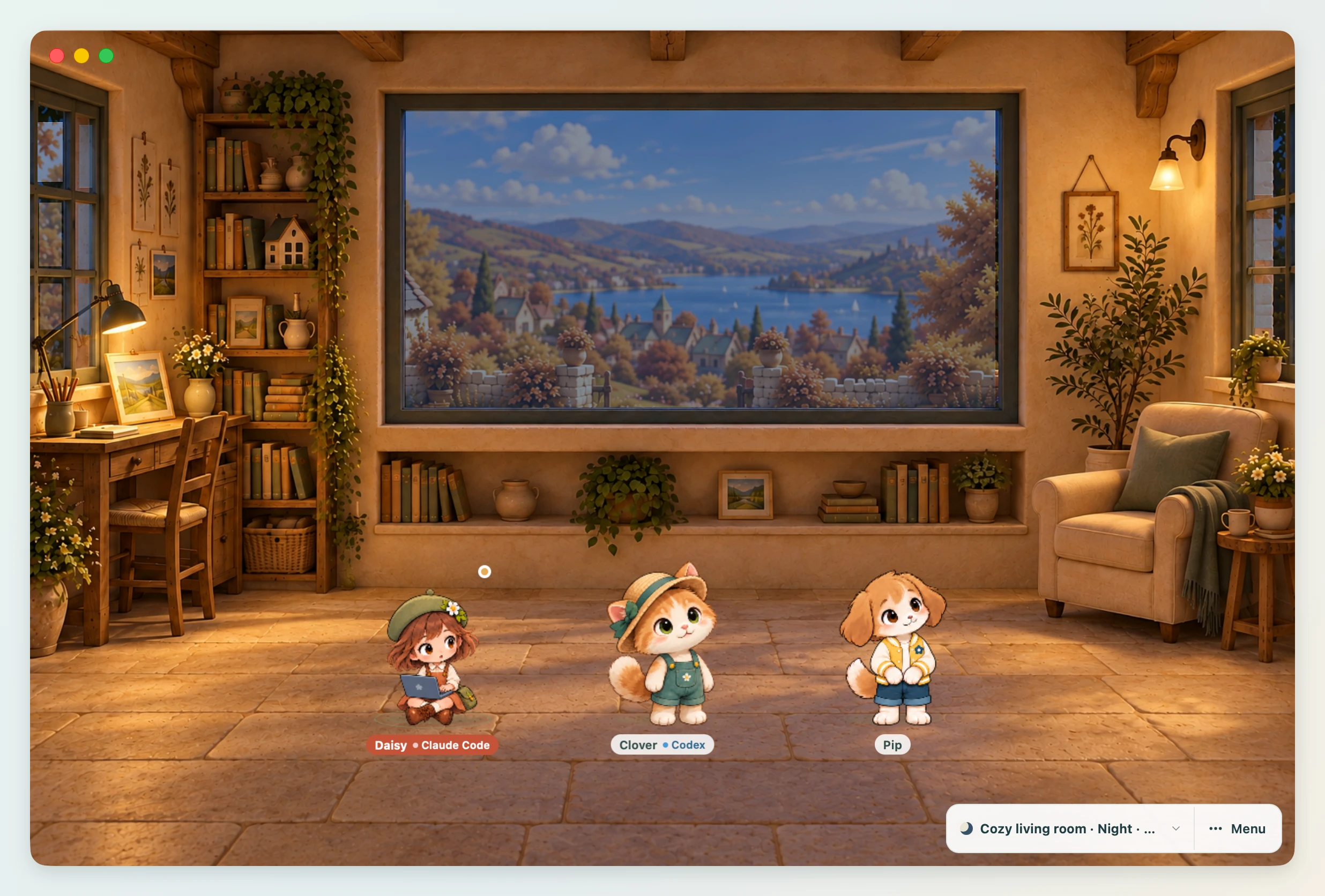
- Auto time follows your computer's clock. The colours of the sky and ground change through morning, midday, evening and night, the sun crosses the sky from left to right, and at night the moon shows tonight's phase.
- Auto weather picks new weather once every 20 minutes. It is mostly clear, with rain now and then; snow comes only in winter. It does not fetch the real weather from the internet.
- The illustrated outdoor places have different compositions, from a sheltered courtyard to an open hillside and lake. Their colours change with the light; the background is repainted only when the scene or window size changes.
- The outdoor places follow the season by the date: blossoms and falling petals in spring, deep green in summer, red and gold leaves in autumn, and snowy ground in winter. You can also choose a season in Menu → Settings → The yard. South of the equator (by your computer's time zone) automatic seasons are reversed.
- When rain clears up in daylight, a rainbow stands over the hills for a few minutes. On clear days a flock of birds crosses the sky now and then, butterflies flutter until autumn, and fireflies glow on spring and summer nights.
- Pick a value yourself and that time of day and weather are fixed. Your choice is remembered, so it is the same the next time you open the app.
When the weather changes, one or two friends say a word about it, like "Rain!" or "Snowman time?". Left alone, they also talk to themselves to fit the time of day.
Let them chat since 0.1.0
Press Let them chat in Menu and the friends with an AI (up to three) have a short talk among themselves about the time of day and the weather. The lines show up one after another as speech bubbles in the yard. With fewer than two friends with an AI the button looks off, and pressing or hovering it says why. To join in yourself, use the Friend tab's group chat.
To let them talk on their own now and then, turn on Let them chat now and then in the Settings tab. They chat once every 20 minutes, and rest while the window is hidden or someone is answering.
The garden since 0.1.0
Friends out for a stroll find a seed now and then (every 8 to 20 minutes while the yard is open; the first one comes within a couple of minutes). The friend jumps, says so, and leaves a glowing seed at its feet: click it to pick it up. Left alone, the friend pockets it after a minute and a half, so nothing is missed by not watching.
- Click Plant a seed in Menu (the number beside it is how many seeds you have).
- Click a spot on the field. You can plant several in a row; Esc or the tool again stops.
In Cozy living room, flowers sit in small planters instead of patches of bare soil. Their growth and your collection remain shared when you change places.
A seed grows by the clock, also while the app is closed: a sprout after 10 minutes, leaves after 40, a bud after 2 hours, a flower after 4. What flowers depends on the season it was planted in, and each season has two: tulips or daffodils in spring, sunflowers or hydrangeas in summer, cosmos or chrysanthemums in autumn, camellias or snowdrops in winter. Hover over a plant to see what it is and how long until it flowers.
- Click a plant and the nearest friend walks over to water it.
- Friends also go and look at the flowers on their own.
- Right-click a plant (or press Delete on it) to pull it up. The seed does not come back.
- You can keep 20 seeds and 24 plants. The garden is saved as
gardeninstate.json. - The first time a kind of flower blooms it goes in the Album (Flowers), and every gift that comes is in it too (Gifts).
Gifts
Once a day a friend brings a gift for the yard, after the yard has been open for a while that day (20 to 40 minutes; the very first gift comes after 5). It jumps, says so, and sets it down beside it. The first gifts come in this order: a bench, a lantern, a birdhouse, a little pond, a mailbox, a picnic blanket, a pinwheel, a campfire, a swing, a flowerpot, a stump stool, a tent, a signpost and a wind chime; after that a friend brings one that is not in the yard. The campfire glows from evening on like the lantern, friends sit on the swing and the stump, and the wind chime rings when a friend visits it.
- Drag a decoration to move it anywhere on the field (or select it and use the arrow keys).
- Click it and the nearest friend walks over. Friends also visit decorations on their own: they sit on the bench, gather on the blanket and look into the pond.
- The lantern is lit from evening on, the pond mirrors the sky, and a bird sits on the birdhouse by day.
- Right-click a decoration (or press Delete on it) to put it away. A friend may bring it again another day.
- The yard holds 12 decorations; while it is full, no gift comes. Put one away to make room for the rest.
Fishing and bugs since 0.1.0
- Fishing: click visible water or choose Fish in Menu. The nearest free friend walks to that background's fishing stance and casts. If a friend covers the water in mini mode, expand the yard to use the menu. Wait for the float to dip under (a ! appears), then click it. Too early and nothing bites; too late and the fish gets away.
- Bugs: click a butterfly or a dragonfly by day, or a firefly on a spring or summer night, and the nearest friend leaps and catches it.
- What bites and what flies depends on the season, the time of day and the weather: catfish and eels come out after dark (and more in the rain), pond smelt only in winter, and a golden carp is very rare. Each fish is a different size every time.
- A card shows what was caught, and says so when it is new.
- Album in Menu has four books, Flowers, Fish, Bugs and Gifts, and shows every kind: the ones caught with how many and the biggest fish, the others as silhouettes with when and where to look. It is saved as
albuminstate.json.
Seasonal events since 0.1.0
A few times a year the yard changes for a while. The event's name shows beside the scene label, a card says it has begun the first time you see it that year, and friends talk about it.
| Event | When | What it brings |
|---|---|---|
| Cherry blossom festival | April 1 to 20 | Petals drift everywhere and more butterflies come out; a friend brings a cherry sapling |
| Firefly nights | July 20 to August 20 | Many more fireflies at night, and a golden one to catch; a friend brings a watermelon |
| Harvest moon | September 25 to October 15 | A big full moon every night, and the moonlight carp in the lake at night; a friend brings a pumpkin |
| Winter lights | December 10 to 31 | Little lights along the trees, glowing from evening on; a friend brings a snowman |
| New Year | January 1 to 7 | Friends greet the new year |
- The event's gift comes the first time a gift is due during the event, and only then. The album shows when each one comes.
- South of the equator the seasonal events come six months later, by your computer's time zone (the new year stays in January).
Closeness since 0.1.0
Each friend grows closer to you through time in the yard and what you do together. Hearts on its name tag show how close it is, and the Friend tab shows its level, how far it is to the next and what the next one brings. The levels say how close you are, not what you are to each other, so they read the same for a partner or a sibling as for a friend (that is the relationship).
| Level | What it brings |
|---|---|
| Just met | |
| At ease | It welcomes you when the app opens and when you come back after a while |
| Warm | It goes fishing on its own now and then |
| Very close | It finds seeds more often |
| Dearest | A flower on its name tag, and now and then it says something just for you |
- Time together counts every ten minutes the yard is seen. Patting, treats, chatting, watering, catching and gifts count too, up to a day's worth, so a few minutes of clicking cannot rush it: closeness comes over days.
- Nothing is ever lost by being away. Closeness is saved as
bondsinstate.json.
Games since 0.1.0
Open Menu → Games for the three games. You can play only one game at a time. While a game is on, the same button reads Stop and the game's name (such as Stop Hide and seek); click it and the game ends right away. Give a treat stays off for the whole game. When a game ends, the friends walk back to where they were.
Hide and seek
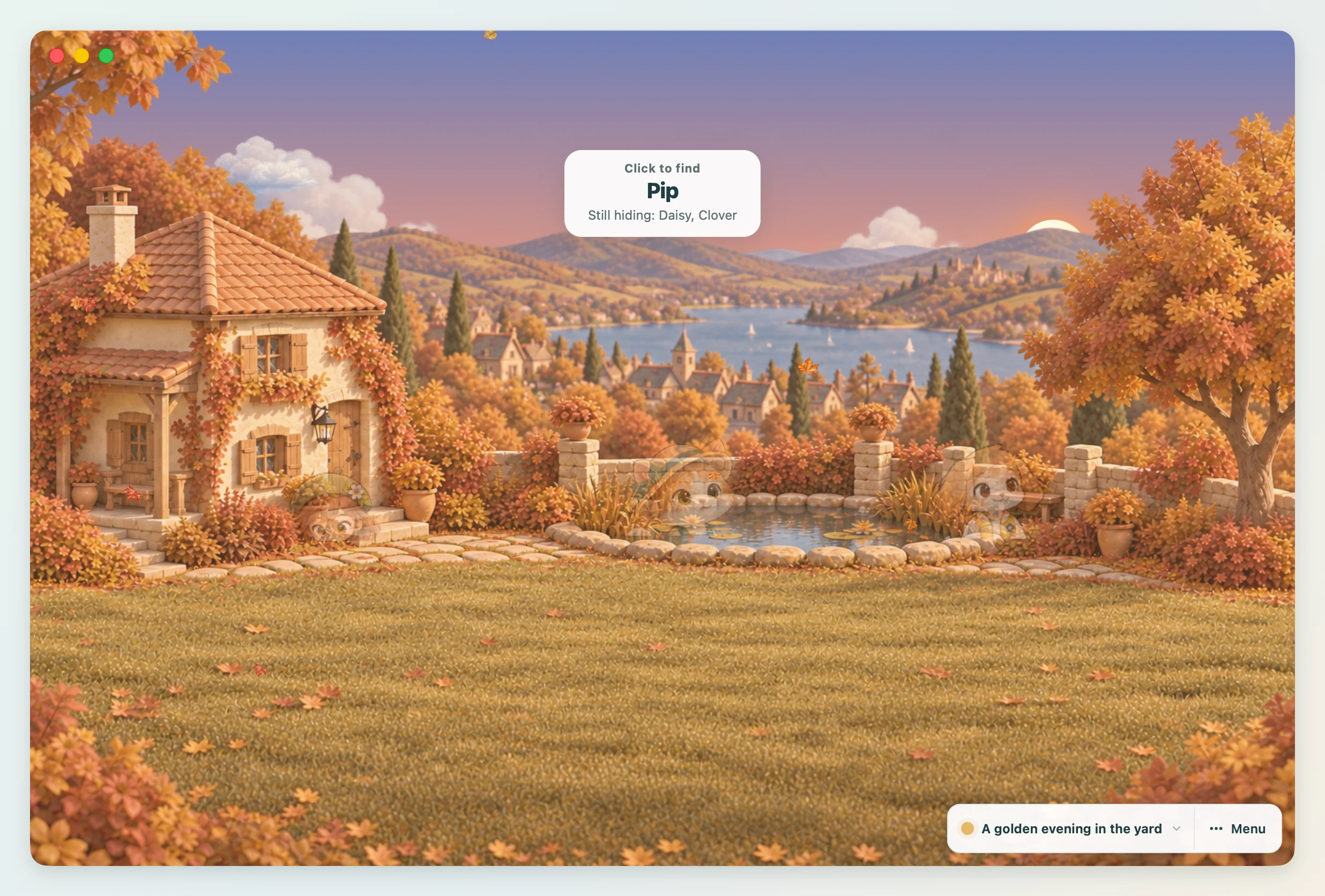
- Click Hide and seek and the friends scatter to their hiding places. A friend who does not reach a spot within 15 seconds hides where they are.
- The banner at the top of the yard says Click to find and the name of the friend to find. Below it are the names of the other friends who are still hiding.
- Find the friend whose name is called and click them. If you are right, they jump out saying "You found me!" and the banner moves on to the next friend.
- Click a different friend and you only get an "Oops, that's not them" notice, and that friend keeps hiding. The name to find does not change.
- Once you have found everyone, the game ends with "Everyone found!".
Parade
Click Parade and the selected friend goes to the front, with the others lining up behind them. When the line is ready, they walk one lap around the yard. After the lap, the friend in front says "Lap done!" and the game ends.
Tag
Tag needs at least two friends.
- The selected friend is it. They say "I'm it!" and "It" is added to their name tag.
- The friend who is it chases the nearest friend, and the other friends run away from them.
- When the friend who is it overlaps another friend on screen, that friend is caught. The caught friend becomes it, and the one who caught them is safe for a moment.
- After a set time, the game ends with "Tag is over. Good running, everyone!".
Mini mode since 0.1.0
Use the full yard to play, browse friends and manage settings. Mini mode is a small, always-on-top companion beside another app; it remembers its size and position.
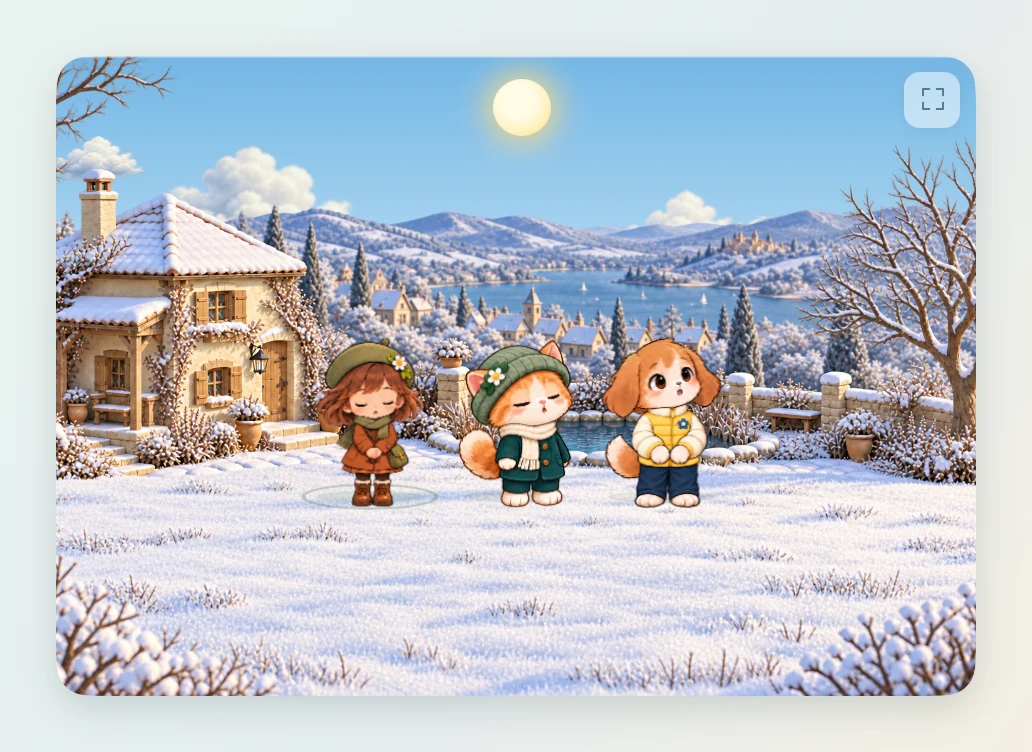
Open Menu → Mini mode to keep a small yard beside your work.
- The small window always floats on top of other windows. The first time, it opens in the bottom-right corner of the screen; after that it opens where you last left it, at the size you gave it.
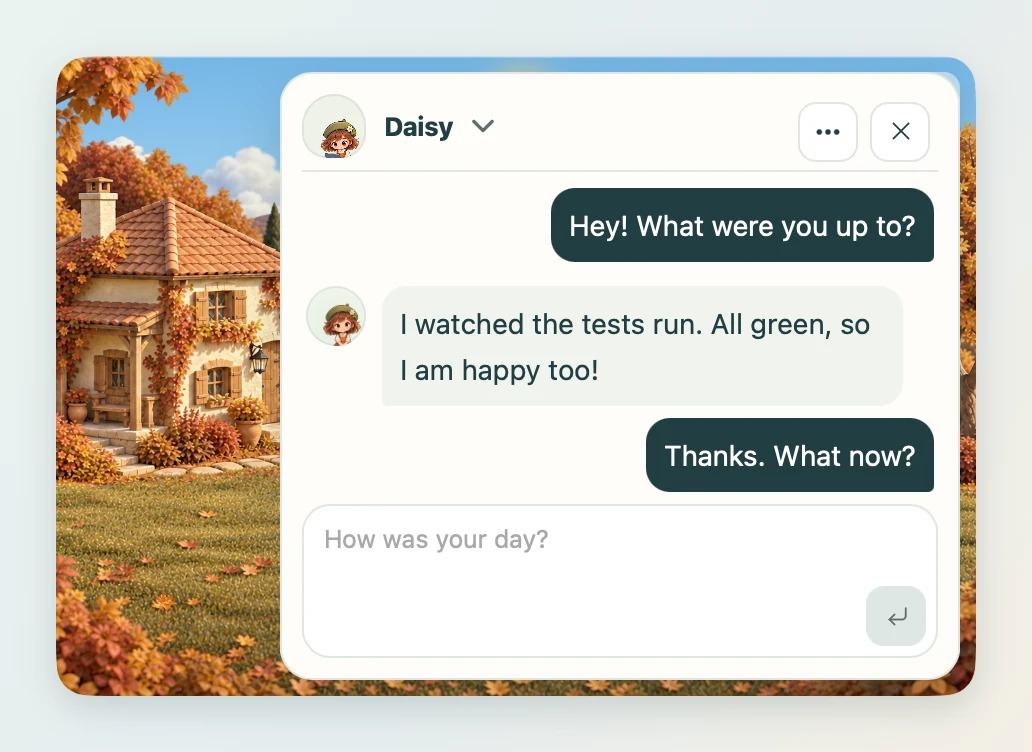
- Mini mode keeps Place & atmosphere and Menu hidden, even when the pointer is over the window. The corner expand button opens the full yard for scene changes, settings and play tools. The tray menu also provides settings and display controls. You can still interact with friends and chat in the small window.
- Name tags are hidden; hover over a friend and theirs shows for a moment.
- Drag an empty spot with no friend and the window moves. Drag a friend and the friend moves.
- Patting works as before. Clicking a friend's name tag opens a compact conversation inside the small window. Close it with its close button or Escape to return to the yard. Invite and Settings still open the full window.
- Friends rest longer between strolls and greet quietly instead of jumping on their own.
- Entering mini mode during a game ends the game.
To go back, click the Full size button in the corner of the small window; the window returns to where it was. Mini mode is remembered, so if you quit while it is small, it opens small the next time too.
Want to see more of your friends?
To use the whole desktop as a yard, turn on Desktop mode. You can use it together with mini mode.