
Play offline
Share treats, catch bugs, fish and see what grows in your garden.
How it works →Little companions for your desktop
A walk, a game, a quiet moment together. Make room for a few little friends in your day.
macOS · Windows · Linux
Find a favourite corner. Change the season and say hello.

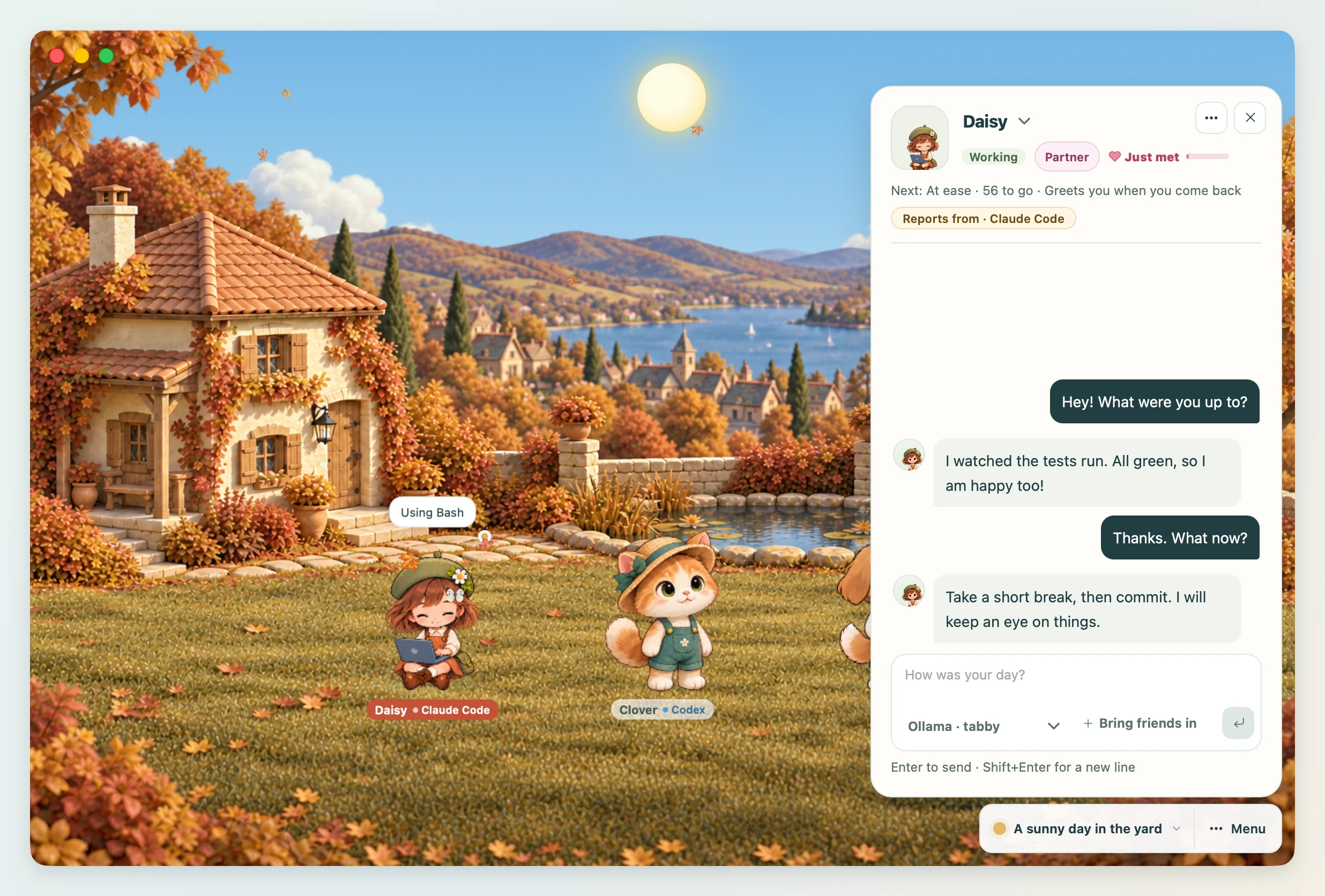
An interactive scene sample with the app’s artwork. Select a friend to wave; games and weather live in the app.
Daisy, Clover and Pip. Three different personalities, one little world.
A gentle kitten gardener who shares small discoveries.
Invite this companion from the Invite tab. Make their name, personality and relationship your own.
Mini mode keeps the yard beside your work, without menus. Expand it when you want to change the scene or use play tools.
Meet mini mode →
Games and gardening work without an AI account. Connect an AI for conversations; its limits and charges apply.
Bring a pet you love, or make a new one. Reference sheets and ready-to-use prompts help keep their look consistent.
Make your own companion →Already have a Codex pet?
Friends and settings are saved on your computer. Conversations go to the AI you connect, whose own data policy applies. PlayPets does not save chat history to a file.
Open source, with optional coding-agent connections. Friends can react when work starts, needs your attention or finishes.
Read the developer guide →PlayPets
Free app · MIT license · No PlayPets account